
5 Cheap AI Writing Tools That Actually Work
Cheap AI writing tools are not bad by default.
What’s bad is buying the wrong cheap tool for the wrong reason.
Most bloggers who search for affordable AI writing tools fall into one of these traps:
- They assume cheap = unusable
- Or they assume cheap = good enough for everything
Both assumptions are wrong.
In 2026, there are cheap AI writing tools that actually work — but only if you understand what you’re trading off, what you’re paying for, and what you’re giving up compared to premium tools.
This guide does one job only:
➡️ Help budget-conscious bloggers choose low-cost AI writing tools that deliver real value, without pretending they’re premium replacements.
No free tools.
No SEO theory.
No workflow tutorials.
Just price vs output vs reality.
Why “Cheap” AI Writing Tools Exist (And Why That’s Not a Red Flag)
Cheap AI writing tools are not failures.
They are positioned products.
In 2026, AI writing software pricing is no longer random. Tools are intentionally built for different user segments:
- Beginners
- Solo bloggers
- Small niche sites
- Side-project publishers
- Early monetization blogs
Cheap tools exist because not everyone needs enterprise features.
The problem is not price.
The problem is expectations.
Most bloggers expect a $15–$25/month tool to:
- Replace premium platforms
- Handle 3,000-word long-form content flawlessly
- Maintain brand voice across 100+ posts
- Do SEO research, writing, rewriting, and editing
That expectation is irrational.
Cheap AI writing tools work when their role is limited.

What “Affordable AI Writing Tools” Actually Means in 2026
Let’s define this clearly.
When this article says cheap or affordable, it means:
- Under $30/month
- Often $9–$25/month
- Sometimes usage-based instead of unlimited
- Fewer advanced controls
- Reduced long-form stability
These tools are not toys.
But they are not built for heavy, enterprise-scale publishing.
Affordable AI writing tools usually focus on:
- Draft generation
- Short-to-medium content
- Basic blog posts
- Simple product content
- Fast output
They sacrifice depth and control to stay cheap.
That trade-off can be acceptable — or disastrous — depending on your situation.
The Real Trade-Offs of Budget AI Writing Tools
Cheap tools always trade something away. Always.
Here’s what you are usually giving up when you choose a low-cost AI writer.
1. Long-Form Stability
Most budget AI tools start to break down after:
- 1,000–1,500 words
- Multiple sections
- Complex arguments
Symptoms include:
- Repetitive phrasing
- Forgotten context
- Contradictory sections
- Tone drift
This doesn’t mean the tool is “bad.”
It means it’s not built for pillar-level writing.
2. Advanced Control
Cheap tools often lack:
- Brand voice systems
- Detailed tone sliders
- Custom writing rules
- Persistent memory across sessions
You get speed, not precision.
For many bloggers, that’s acceptable — especially early on.
3. Editing & Refinement Power
Budget tools usually focus on generation, not refinement.
That means:
- Weaker rewriting modes
- Limited paraphrasing styles
- Less control over sentence rhythm
You’ll often need manual editing or a secondary tool.
4. SEO Intelligence (By Design)
Cheap AI tools almost never include:
- SERP analysis
- Search intent modeling
- Competitor gap analysis
- Topic clustering logic
That’s not because they’re lazy — it’s because SEO tooling is expensive to build.
Budget tools assume you already know what to write, not what should rank.

Who Cheap AI Writing Tools Are Actually For
Cheap AI writing tools work best for specific types of bloggers.
They are ideal if:
- You run a small niche blog
- You publish consistently but not aggressively
- You write supporting content, not pillars
- You monetize slowly or indirectly
- You value cost control over perfection
These tools shine in execution support, not strategy.
Best-Fit Scenarios
Cheap AI writing tools are a strong choice if:
- You’re publishing supporting articles in a cluster
- You need first drafts, not final copy
- You’re maintaining existing content
- You’re building content velocity on a budget
- You’re validating niches before scaling
This is why many beginners ask for the best AI tool for new bloggers — because cheap tools reduce risk while learning.

Who Should NOT Buy Cheap AI Writing Tools
Cheap tools are the wrong choice if:
- You rely heavily on long-form authority content
- You publish pillar posts frequently
- You want strong brand voice consistency
- You expect minimal editing
- You scale content aggressively
If your blog already earns meaningful revenue, cheap tools often become false economy.
They save money — but cost time.
Cheap tools solve a specific problem — budget-conscious execution — but they are not the full picture.
If you want to understand how affordable tools fit into the bigger ecosystem of drafting, editing, scaling, and monetization, start with my complete breakdown of the Best AI Writing Tools for Bloggers.
That guide explains how different AI tools work together across beginner, budget, and premium blogging workflows.
What You Lose vs Premium AI Writing Tools
Cheap AI writing tools always involve trade-offs — usually in long-form stability, editing control, and consistency.
If you want to see how these compromises compare against mid-tier and premium platforms in real blogging scenarios, read my breakdown of free vs paid AI writing tools.
That guide explains where free plans break, when paid tools actually justify their cost, and how pricing decisions affect long-term content output.
Let’s be explicit.
Compared to premium AI writers, cheap tools usually lose:
| Feature | Cheap Tools | Premium Tools |
|---|---|---|
| Long-form coherence | ❌ | ✅ |
| Brand voice memory | ❌ | ✅ |
| Section-level control | ⚠️ Limited | ✅ |
| Editing sophistication | ⚠️ Basic | ✅ |
| Output consistency | ⚠️ Medium | ✅ |
| Scale readiness | ❌ | ✅ |
That doesn’t make cheap tools bad.
It makes them situational.
Price Bands That Actually Matter
Ignore marketing labels. Focus on price bands.
$9–$15/month
- Entry-level tools
- Short content
- Heavy editing required
- Good for testing and drafts
$16–$25/month
- Best value zone
- Decent blog drafts
- Moderate long-form ability
- Most “cheap tools that actually work” live here
$26–$30/month
- Upper-budget tier
- Often overlap with mid-tier tools
- Best choice if you want affordability without severe compromises
Anything above this starts moving out of “cheap” territory.
How to Evaluate Cheap AI Writing Tools (Buyer Framework)
Before buying any affordable AI writing tool, ask only these questions:
- What content length will I actually write?
- How much editing am I willing to do?
- Do I need speed or control?
- Is this for supporting content or core content?
- Will I upgrade later — or stay budget-only?
If you cannot answer these, don’t buy yet.
Critical Rule (Do Not Ignore)
Cheap AI writing tools should support your blog, not define it.
If your entire strategy depends on a $15 tool doing everything, your strategy is broken — not the tool.
Transition Note
If you’re running a small niche site, cheap tools can be the most rational choice — which is why this page also supports AI tools for small blogs, where cost control matters more than feature depth.
The Cheap AI Writing Tools That Actually Work (Under Real Conditions)
This is not a “top 10” list.
These are budget AI writing tools that survive real blogging use, not demos, not hype.
Each tool below is evaluated on output vs price, not promises.
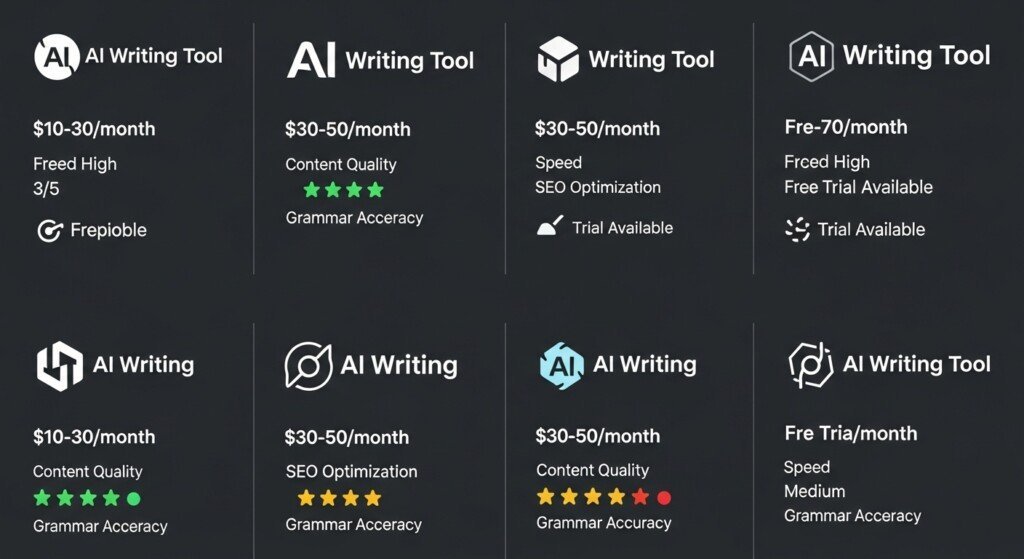
Tool #1 — Writesonic
Best Overall Cheap AI Writing Tool
Writesonic consistently sits in the sweet spot between price and output.
It’s not premium.
But it’s usable — which is what matters.
Why Writesonic Works at a Low Price
- Handles blog drafts reliably
- Supports SEO-style structures
- Produces cleaner output than most cheap tools
- Decent paragraph-to-paragraph flow
For bloggers publishing supporting content, Writesonic delivers enough structure to reduce editing time.
Where Writesonic Breaks
- Long-form coherence drops past ~1,500 words
- Tone consistency weakens in complex topics
- Needs rewriting for authority content
Best Use Case
- Supporting articles
- Product comparisons
- Informational posts
- Early monetization blogs
Verdict:
Writesonic is the safest cheap choice if you want usable drafts without constant frustration.
Tool #2 — Rytr
Best Ultra-Budget Entry Tool
Rytr exists for one purpose: cheap access.
It’s not trying to compete with mid-tier tools — and that honesty matters.
Why Rytr Works
- Very low monthly cost
- Simple interface
- Fast generation for short content
- Minimal learning curve
Where Rytr Fails
- Weak long-form output
- Generic phrasing
- Poor depth expansion
- Not suitable for serious SEO content
Best Use Case
- Beginner bloggers
- Short posts
- Testing ideas
- Low-stakes content
Verdict:
Rytr works only if expectations are low. It’s a starting point, not a growth engine.
Tool #3 — Copy.ai
Best Cheap Tool for Speed, Not Depth
Copy.ai is a speed-first tool, not a writing system.
Why Copy.ai Works
- Extremely fast output
- Strong for intros and short sections
- Useful for breaking writer’s block
- Decent templates
Where Copy.ai Fails
- Long-form collapse
- Poor section continuity
- Weak depth
- SEO structure not reliable
Best Use Case
- Drafting openings
- Content ideation
- Short-form blog sections
Verdict:
Copy.ai is useful alongside another tool — not alone.
Tool #4 — Scalenut (Lower-Tier Plans)
Best Budget Tool With SEO Awareness
Some budget plans of Scalenut offer light SEO assistance, which is rare at this price point.
Why Scalenut Works
- Basic topic coverage support
- Outline assistance
- Better than average subtopic inclusion
- Cleaner structure than most cheap tools
Where Scalenut Fails
- Writing quality is average
- Needs heavy editing
- Advanced SEO features locked behind higher plans
Best Use Case
- SEO-aware bloggers on a budget
- Content clusters
- Supporting posts
Verdict:
If SEO matters but budget is tight, Scalenut is a reasonable compromise.
Tool #5 — Simplified AI (Budget Plans)
Best Multi-Purpose Cheap Tool
Simplified is not a pure writing tool — but that’s sometimes an advantage.
Why Simplified Works
- Writing + basic design + content tools
- Acceptable blog drafts
- Useful for multi-channel creators
Where Simplified Fails
- Writing depth is limited
- Not ideal for serious blogging
- Editing still required
Best Use Case
- Bloggers who also create social content
- Multi-format creators
- Lightweight blogging
Verdict:
Not ideal for pure bloggers, but works if content creation is broader than blogs.
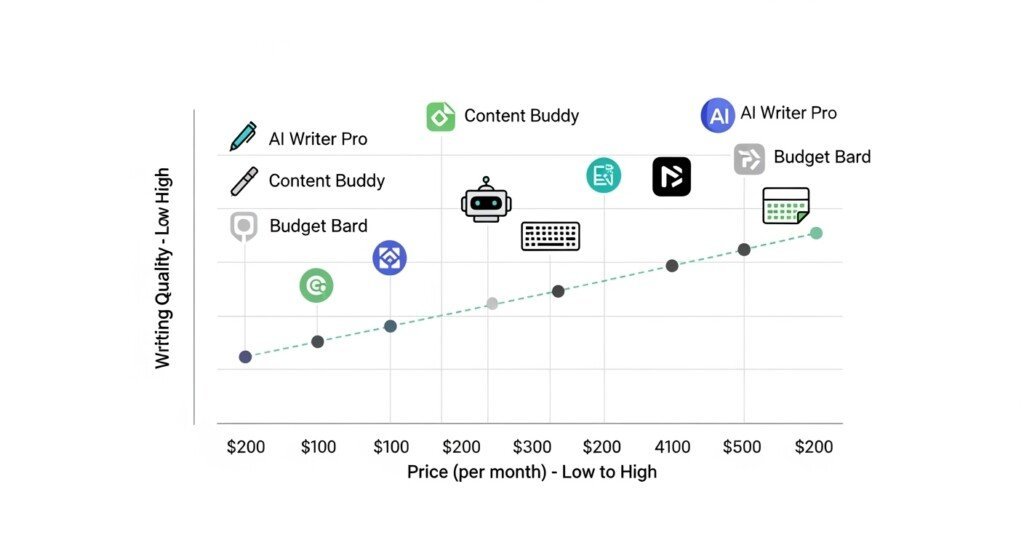
Output vs Price Comparison (Reality Check)
| Tool | Price Range | Draft Quality | Long-Form | Editing Needed |
|---|---|---|---|---|
| Writesonic | Low–Mid | Good | ⚠️ Medium | Medium |
| Rytr | Very Low | Weak | ❌ Poor | High |
| Copy.ai | Low | Medium | ❌ Poor | High |
| Scalenut | Mid | Medium | ⚠️ Medium | Medium |
| Simplified | Low | Medium | ❌ Poor | Medium |
Who Should Buy Cheap AI Writing Tools (Clear Rules)
Cheap AI writing tools make sense if:
- You publish supporting content
- You’re building early clusters
- You care about cost control
- You accept manual editing
- You’re not producing authority pillars weekly
They do not make sense if:
- You rely on long-form authority content
- You want minimal editing
- You scale aggressively
- You monetize heavily already
Choosing a cheap AI writing tool is ultimately an ROI decision, not a feature decision.
Before committing to any subscription — budget or premium — it’s worth understanding whether AI tools actually pay for themselves through time savings, output scale, and monetization potential.
I break that down in detail here: are AI writing tools worth it, including the real math behind cost vs content velocity for bloggers.
What You Lose by Going Cheap (Final Reality)
Let’s be blunt.
Cheap tools cost less money —
but more time.
You trade:
- Money → Editing effort
- Features → Manual control
- Stability → Flexibility
That trade-off is acceptable only when intentional.
Final Verdict: Cheap AI Writing Tools That Actually Work
Cheap AI writing tools are not mistakes.
They are tools with boundaries.
If you:
- Use them for the right content
- Accept their limitations
- Control expectations
They can absolutely support blog growth.
If you expect them to:
- Replace premium tools
- Eliminate editing
- Scale authority content
They will fail you — and it will be your fault, not theirs.
Bottom Line
Cheap AI writing tools:
- ✔ Work for early-stage blogs
- ✔ Work for supporting content
- ✔ Work when budget matters
They do not replace premium systems.
They buy you time, not perfection.
That’s the honest answer.
FAQ
1. Are cheap AI writing tools good enough for serious blogging?
Cheap AI writing tools are good enough for drafting and supporting content, but not for authority-level or pillar content. They work when paired with human editing and clear structure. On their own, they are limited by weaker coherence and depth.
2. What do you lose when using affordable AI writing tools instead of premium ones?
You lose long-form stability, advanced rewriting controls, consistent tone, and workflow automation. Cheap tools trade lower cost for higher manual effort, especially during editing and optimization.
3. Can cheap AI writing tools handle SEO content?
They can assist with SEO content drafting, but they do not replace SEO planning, subtopic coverage, or intent alignment. Cheap tools help generate text, not SEO strategy or topical authority.
4. Who should choose budget AI writing tools instead of paid premium tools?
Budget AI writing tools are best for new bloggers, niche sites, and early-stage projects where cost control matters more than speed or polish. They are not ideal for high-output, monetized blogs.
5. When should a blogger stop using cheap AI writing tools?
You should stop relying on cheap tools once you publish consistently, write long-form content, build clusters, or monetize seriously. At that point, cheap tools become a bottleneck rather than a savings.
Disclaimer
Some links on this page may be affiliate links.
If you click and purchase, I may earn a small commission at no extra cost to you.
I only recommend tools I genuinely use or believe are useful for bloggers.
This helps support the site and keep content free.