
5 Best Free AI Writing Tools for Bloggers (Limits Explained)
Free AI writing tools for bloggers sound like a gift.
No payment.
No commitment.
Instant content.
But here’s the uncomfortable truth most bloggers learn too late:
Free AI writing tools are not built to help blogs grow.
They’re built to demonstrate capability, not to support real publishing workflows.
That doesn’t mean free tools are useless.
It means they have very specific use cases — and very hard limits.
This guide does one job only:
To explain what free AI writing tools can realistically do for bloggers, where they fail, and exactly when they stop being usable.
No hype.
No affiliate pushing.
No pretending free tools can replace paid ones.
Just the reality.
If you’re deciding whether free tools are enough or you’ve already hit invisible ceilings, this breakdown will save you months of wasted effort.
Why Bloggers Are Attracted to Free AI Writing Tools
Bloggers don’t choose free tools because they’re cheap.
They choose them because they’re risk-averse.
Most bloggers are:
- Early-stage
- Unsure if their blog will work
- Publishing inconsistently
- Afraid of recurring expenses
Free AI writing tools feel like a safe entry point.
The promise is seductive:
- “Write faster”
- “Save time”
- “No money required”
But blogging is not a one-post game.
It’s a system game.
And free tools are not designed to support systems.
They’re designed to:
- Showcase capability
- Enforce friction
- Push upgrades
That matters more than people realize.

What “Free” Actually Means in AI Writing Software
Free does not mean:
- Unlimited writing
- Full features
- Sustainable workflows
Free means:
- Artificial limits
- Feature locks
- Output throttling
- Intentional frustration
Every free AI writing tool enforces limits in one or more of these ways:
- Word caps
- Daily or monthly quotas
- Restricted modes
- Short prompt limits
- Weaker models
- No long-form coherence
If you don’t understand which limit matters most for blogging, you’ll choose the wrong tool.
The Hidden Limits That Matter More Than Price
Most bloggers obsess over cost.
They should be obsessing over production constraints.
Here are the limits that actually kill blogging workflows.
1. Word Limits
Most free tools cap:
- 300–1,000 words per day
- Or per month
That alone disqualifies them for:
- Long-form posts
- Pillar content
- Content clusters
- Affiliate articles
2. Long-Form Collapse
Free tools usually:
- Reset context
- Lose tone consistency
- Repeat phrases
- Forget earlier sections
This makes them unusable beyond ~800–1,200 words.
3. Feature Locks
Free plans remove:
- Rewrite modes
- Tone control
- SEO structuring
- Export options
- History access
You can generate text — but you can’t shape it.
4. Workflow Breakage
Free tools don’t support:
- Section-by-section drafting
- Bulk rewriting
- Updating old posts
- Scaling content libraries
They are single-use tools, not systems.
Categories of Free AI Writing Tools
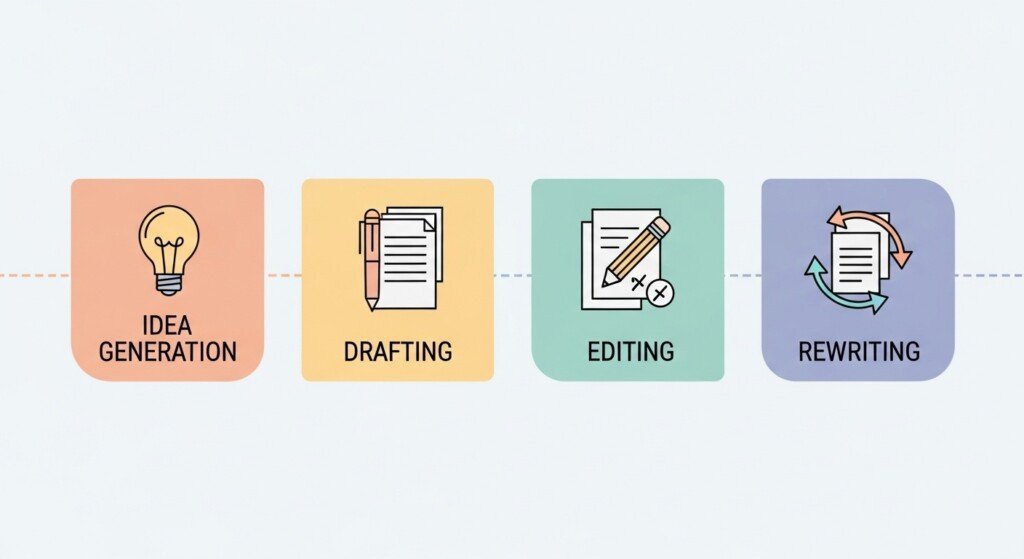
Not all free tools fail the same way.
They fall into four categories:
- Draft generators
- Editors
- Rewriters
- Idea tools
Understanding this matters, because no free tool covers all four well.
Tool #1 — ChatGPT (Free Tier)
What It’s Good At
ChatGPT’s free version is the most flexible free AI tool available.
It works well for:
- Idea generation
- Outlines
- Short explanations
- Section drafts
- Brainstorming
For bloggers, this makes it useful at the planning stage.
Where It Breaks
ChatGPT Free fails at:
- Long-form coherence
- Persistent tone
- SEO structuring
- Context retention
- Large multi-section posts
Once you exceed a few sections, quality drops.
Practical Blogging Use Case
Use ChatGPT Free for:
- Creating outlines
- Drafting individual sections
- Rewriting short paragraphs
- Clarifying ideas
Do not rely on it for full articles.
Verdict
Useful starter tool.
Not a production engine.
Tool #2 — Grammarly (Free)
What It’s Good At
Grammarly Free is not a writer.
It’s an editor.
It helps with:
- Grammar
- Spelling
- Basic clarity
- Obvious sentence issues
Every blogger should use it.
Where It Breaks
Free Grammarly does not:
- Improve tone deeply
- Rewrite sections
- Handle style consistently
- Catch subtle repetition
It cleans, but it does not elevate.
Practical Blogging Use Case
Use Grammarly Free for:
- Cleaning AI drafts
- Final proofreading
- Catching basic mistakes
Verdict
Mandatory companion tool.
Not sufficient alone.
Tool #3 — QuillBot (Free)
What It’s Good At
QuillBot Free is a rewriting tool, not a writer.
It’s useful for:
- Paraphrasing short sections
- Reducing repetition
- Cleaning robotic AI text
Where It Breaks
Free plan limits:
- Word count
- Rewrite modes
- Output control
You cannot rewrite entire articles.
Practical Blogging Use Case
Use QuillBot Free for:
- Rewriting intros
- Fixing repetitive paragraphs
- Cleaning AI drafts section-by-section
Verdict
Helpful but constrained.
Scaling requires paid.
Tool #4 — Copy.ai (Free)
What It’s Good At
Copy.ai Free is fast.
It works well for:
- Intros
- Headings
- Short drafts
- Brainstorming
Where It Breaks
It fails at:
- Long-form structure
- Depth
- SEO logic
- Consistent tone
Free limits make it unsuitable for real blogging output.
Practical Blogging Use Case
Use Copy.ai Free for:
- Starting posts
- Breaking writer’s block
- Drafting short sections
Verdict
Good spark tool.
Bad foundation.
Tool #5 — Rytr (Free)
What It’s Good At
Rytr Free is beginner-friendly.
It supports:
- Short blog drafts
- Simple content
- Basic templates
Where It Breaks
Rytr struggles with:
- Long-form
- Depth
- Natural tone
- SEO-heavy content
Practical Blogging Use Case
Use Rytr Free for:
- Testing AI writing
- Very short posts
- Learning workflows
Verdict
Entry-level only.
Why Free AI Writing Tools Break for Blogging
Here’s the core issue:
Blogging is cumulative. Free tools are transactional.
Blogging requires:
- Consistency
- Volume
- Updates
- Internal linking
- Expansion
- Long-form depth
Free tools are built for:
- Demos
- One-off use
- Light experimentation
That mismatch is why bloggers hit walls.
Who Free AI Writing Tools Are Actually For
Free AI writing tools make sense if:
- You publish 1–2 posts per month
- You’re testing blogging
- You’re learning content structure
- You’re not monetizing yet
- You’re validating niches
They do not make sense if:
- You want traffic growth
- You build content clusters
- You write long-form
- You monetize content
- You care about scale
That’s not opinion. That’s structural reality.
If you’re still figuring out which type of AI writing tool actually fits your blogging stage — beginner, growing site, or monetized blog — start with my full breakdown of the Best AI Writing Tools for Bloggers.
That guide explains how different tools fit different workflows, budgets, and publishing goals, instead of pretending one tool works for everyone.
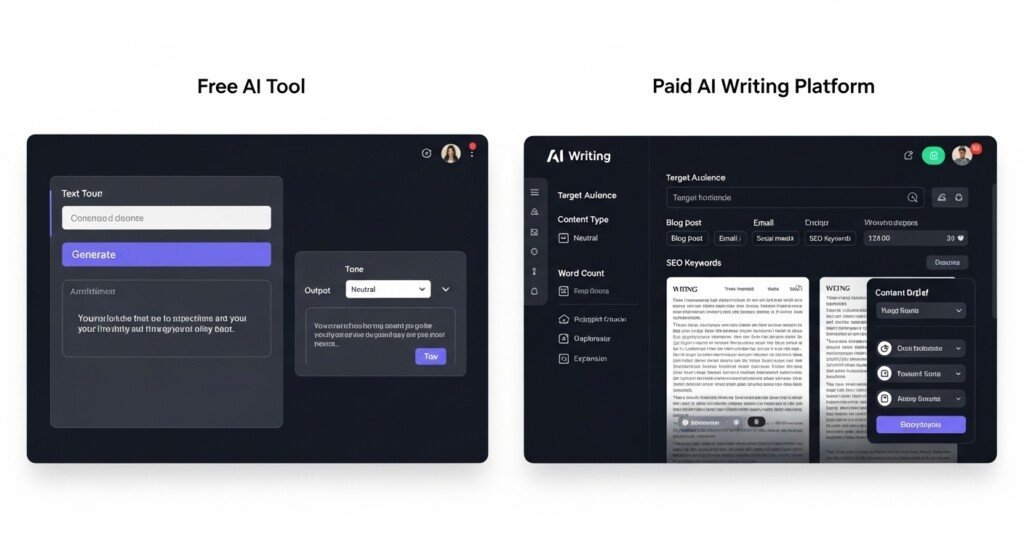
Free vs Paid AI Writing Tools (Reality Comparison)
Most bloggers frame this incorrectly.
They ask:
“Is a paid tool better than a free tool?”
That’s not the question.
The correct question is:
At what point does a free tool become a bottleneck?
Here’s the reality, stripped of marketing.
Output Quality (Free vs Paid)
Free tools:
- Shallow explanations
- Repetitive phrasing
- Weak conclusions
- Poor long-form coherence
- Generic tone
Paid tools:
- Better section continuity
- Cleaner transitions
- More stable tone
- Stronger subtopic expansion
- Less repetition
Free tools can start content.
Paid tools can finish content at scale.
This difference becomes obvious when you compare free vs paid AI tools based on long-form handling and scalability.
Long-Form Writing Reality
This is the breaking point for most bloggers.
- Free tools collapse after 800–1,200 words
- Context resets
- Earlier sections get contradicted
- Tone drifts
- Repetition increases
That’s not accidental.
It’s deliberate throttling.
If your content strategy includes:
- Pillar posts
- Tier-2 content
- Affiliate guides
- Comparisons
- Clusters
Free tools cannot support it.
This is why free AI writing tools for bloggers work only at the entry level.
Feature Restrictions That Kill Scaling
Let’s be blunt.
Free tools remove exactly the features bloggers need after the first 30 days.
They restrict:
- Rewrite modes
- Tone control
- Long-form editors
- Bulk operations
- Content history
- Workflow automation
This forces bloggers into one of two bad outcomes:
- Publish low-quality content
- Burn out fixing drafts manually
Neither scales.
When Free AI Writing Tools Still Make Sense
Free tools are not useless.
They are situational.
Use free AI writing tools if:
- You are validating a blog idea
- You publish occasionally
- You are learning structure
- You only write short posts
- You are not monetizing yet
- You want zero financial commitment
In these cases, free tools are appropriate.
They help you learn how AI writing works without financial risk.
When Free AI Writing Tools Fail (Hard Stop)
Free tools stop working when:
- You aim for search traffic
- You publish weekly or more
- You build topic clusters
- You write 1,500+ words
- You update old posts
- You monetize with affiliates
- You care about consistency
At this stage, free tools don’t just slow you down —
they actively block progress.
This is exactly why this page supports the broader comparison in Free vs Paid AI Writing Tools, where the cost-to-output difference becomes unavoidable.
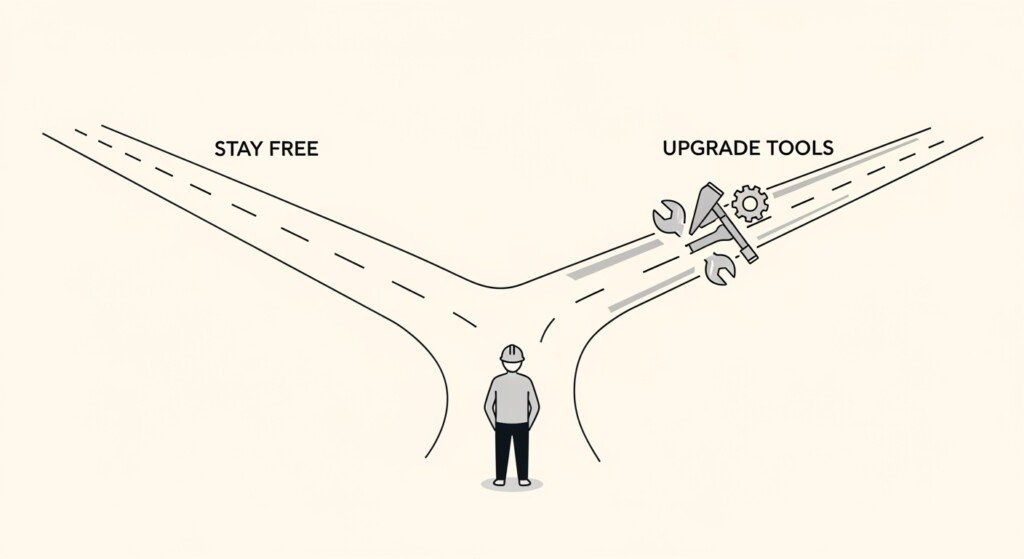
Decision Rules (Bookmark This)
Use these rules to decide — no emotion involved.
Stay Free If:
- < 3 posts/month
- No monetization
- Short content only
- Testing phase
- Learning stage
Upgrade If:
- ≥ 6 posts/month
- SEO matters
- Long-form matters
- You update content
- You monetize
- You value time
If you ignore this transition point, your blog stalls.
The Hidden Cost of Staying Free Too Long
Most bloggers don’t lose money by paying for tools.
They lose money by delaying output.
Every month you stay stuck:
- Competitors publish more
- SERPs fill up
- Authority consolidates
- Entry becomes harder
Free tools feel “safe,” but the opportunity cost is real.
That’s why this page supports the ROI discussion in Are AI Writing Tools Worth It for Bloggers — because cost alone is the wrong metric.
Final Verdict (No Sugarcoating)
Free AI writing tools for bloggers are not scams.
They are not solutions either.
They are:
- Entry points
- Learning tools
- Temporary helpers
They are not:
- Scaling engines
- Production systems
- Long-term solutions
If blogging is a hobby, free tools are fine.
If blogging is a business, free tools are a ceiling.
And ceilings kill growth.
Bottom Line
Free AI writing tools are:
- Good for starting
- Bad for scaling
- Dangerous if relied on too long
Paid tools are not about luxury.
They are about removing friction once momentum exists.
The mistake is not using free tools.
The mistake is staying free after you’ve outgrown them.
That’s the reality.
FAQ
1. Are free AI writing tools good enough for blogging?
Free AI writing tools are good for learning, testing ideas, and writing short posts. They are not reliable for long-form blogging, SEO clusters, or consistent publishing because of strict word limits and feature restrictions.
2. What are the biggest limitations of free AI writing tools?
The biggest limitations are word caps, weak long-form coherence, limited rewriting options, lack of tone control, and restricted access to advanced features needed for scaling blog content.
3. Can free AI writing tools handle 2000+ word blog posts?
Most free AI writing tools cannot reliably handle 2000+ word posts. They often lose context, repeat phrases, or reset tone after 800–1,200 words, making long-form content difficult to manage.
4. When should bloggers stop using free AI writing tools?
Bloggers should stop relying on free AI writing tools once they publish consistently, focus on SEO traffic, build content clusters, or monetize their blogs. At that stage, free tools become a bottleneck.
5. Are free AI writing tools useful before switching to paid tools?
Yes. Free AI writing tools are useful for understanding AI workflows, testing content ideas, and learning structure. They work best as a starting point before upgrading to paid tools for scalability.
Disclaimer
Some links on this page may be affiliate links.
If you click and purchase, I may earn a small commission at no extra cost to you.
I only recommend tools I genuinely use or believe are useful for bloggers.
This helps support the site and keep content free.