Free vs Paid AI Writing Tools: 7 Honest Picks
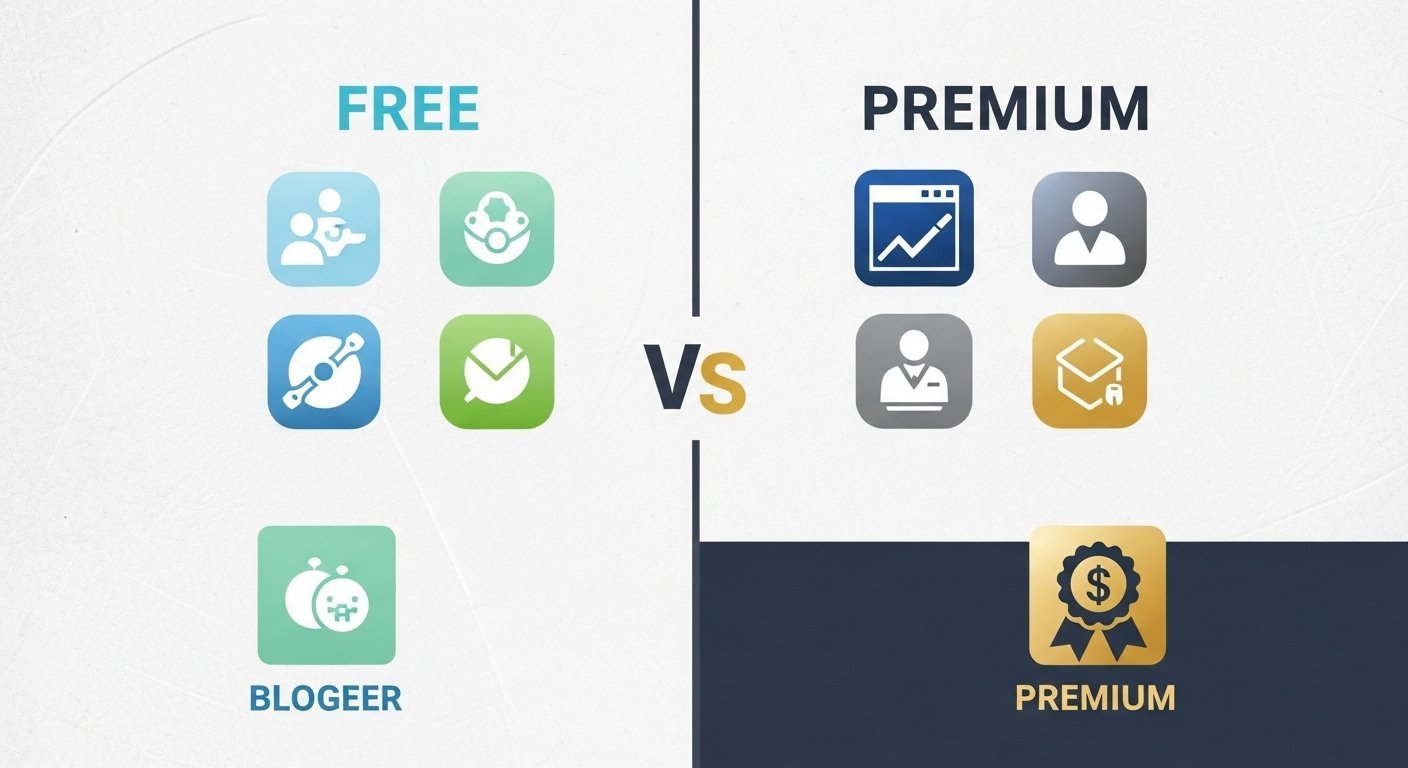
Free vs paid AI writing tools is not a philosophical debate.
It’s a cost-to-output equation.
Most bloggers are either:
• Overpaying for features they don’t need
• Or using free tools that can’t scale past toy usage
Both are bad decisions.
In 2026, AI writing tools are infrastructure — not experiments.
But not all tools justify their price.
If you’re still deciding which platforms are worth considering at all, start with my complete breakdown of the Best AI Writing Tools for Bloggers, where I cover use cases, strengths, and who each tool is actually built for.
Some paid tools are overpriced garbage.
Some free tools are functionally useless beyond 500 words.
So the real question is:
When does paying for an AI writing tool actually make sense?
This guide compares free vs paid AI writing tools based on:
• Output quality
• Feature differences
• Usage limits
• Long-form handling
• Scalability
• Real value for money
• Who should pay
• Who should not
No hype.
No affiliate fluff.
No fake “I tested 50 tools” nonsense.
Just the honest cost-benefit breakdown.
Why This Comparison Matters in 2026
AI writing tools are no longer optional for serious bloggers.
But here’s what most people get wrong:
They choose tools based on price, not production capability.
That leads to two failure patterns:
Failure Pattern #1 — Staying Free Too Long
People use free AI tools for:
• Long-form blog posts
• Affiliate content
• Monetized clusters
• SEO content
And then wonder why:
• Content quality is weak
• Output sounds robotic
• Articles collapse after 800 words
• Tone is inconsistent
• Editing workload is massive
Free tools are not built for real content production.
They are demos.
Failure Pattern #2 — Paying for Tools They Don’t Need
Other bloggers jump straight into:
• Premium plans
• Enterprise tools
• Agency-grade software
Without:
• Having traffic
• Having monetization
• Having a publishing workflow
• Having consistency
They burn money on features they never use.
That’s just bad economics.
What Actually Separates Free vs Paid AI Writing Tools
Ignore marketing pages.
The real differences are structural.
1) Output Quality
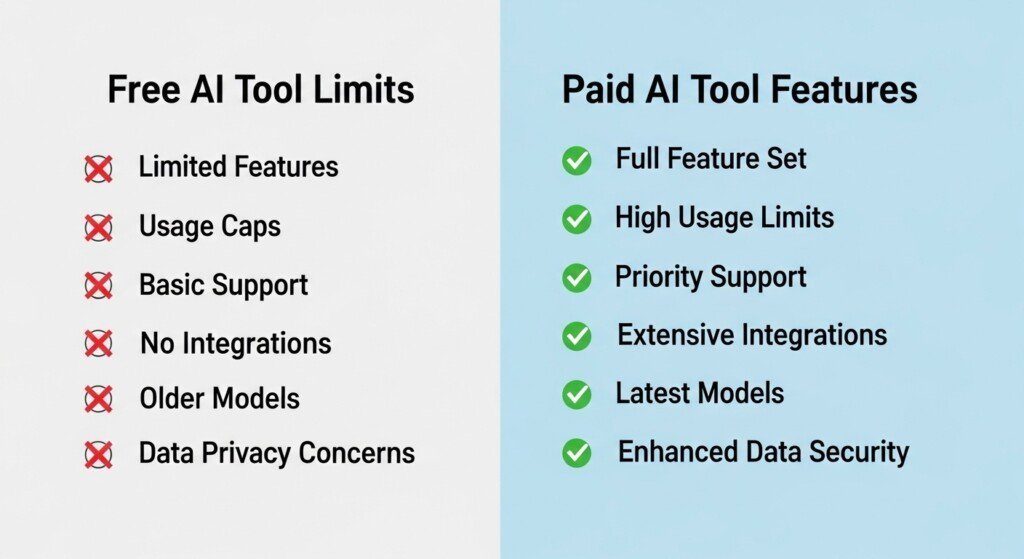
Free tools:
• Generate shallow drafts
• Repeat phrases
• Use generic tone
• Collapse in long-form
• Miss nuance
• Produce predictable structure
Paid tools:
• Handle longer content
• Maintain tone consistency
• Expand subtopics better
• Loop less
• Produce more coherent sections
• Support brand voice features
This matters for anything beyond short posts.
2) Feature Differences
Free tools typically lack:
• Long-form editors
• SEO templates
• Outline builders
• Section expansion tools
• Rewriting modes
• Tone control
• Brand voice
• Internal logic handling
Paid tools include:
• Structured writing workflows
• Multi-mode writing
• SEO templates
• Rewriting engines
• Plagiarism detection
• Collaboration features
• Export formats
• Browser extensions
Free tools are stripped-down demos.
3) Usage Limits
This is the hidden killer.
Free tools cap:
• Words per day
• Words per month
• Prompt length
• Feature access
• Long-form generation
• Export formats
This makes them unusable for:
• 2,000+ word posts
• Content clusters
• Bulk publishing
• Affiliate content
• Updating old posts
Paid tools remove those ceilings.
4) Scalability
Free tools break when:
• You publish more than 5–8 posts/month
• You build topic clusters
• You update content
• You rewrite old posts
• You handle long-form
Paid tools are built for:
• Repeated use
• High volume
• Long-form
• Workflow stacking
• Content velocity
Scalability is the real dividing line.
The 7 Honest Picks (Free vs Paid)
These are tools that actually matter in blogging workflows.
Not toys.
Not agency junk.
Not marketing fluff.
1) Jasper AI (Paid)
Best Overall Paid AI Writing Tool
Jasper is not cheap.
It’s not simple.
It’s not for dabblers.
But it’s the only paid AI writing tool that consistently handles:
• Long-form blogging
• Monetized content
• SEO structure
• Brand voice consistency
• Section expansion
• Affiliate content
• Buyer-intent posts
Why Jasper Justifies Its Price
Jasper’s value is not raw generation.
It’s:
• Coherence across long articles
• Structured output
• Tone consistency
• Workflow templates
• Brand voice training
• Section-level control
Most cheaper tools collapse past 1,200 words.
Jasper doesn’t.
That alone justifies the price for serious bloggers.
Where Jasper Fails
Jasper does NOT:
• Do SEO research
• Build content briefs
• Analyze SERPs
• Model search intent
It needs another SEO tool to guide it.
Verdict
Jasper is not optional if:
• You publish long-form
• You build clusters
• You monetize content
• You scale output
It is overpriced for casual bloggers.
It is correctly priced for serious ones.
2) Writesonic (Paid + Free Tier)
Best Budget Paid Tool
Writesonic is not elite.
It is practical.
It sits between:
• Free toy tools
• Premium platforms like Jasper
Why Writesonic Is Good Value
Writesonic handles:
• First-draft generation
• Blog posts
• SEO templates
• Product reviews
• Outline generation
• Bulk content
It produces usable drafts fast.
That’s all it promises — and it delivers.
Where Writesonic Fails
• Long-form coherence
• Tone consistency
• Deep topic expansion
• Subtopic coverage
It needs rewriting and editing.
Verdict
Writesonic is the best value tool if:
• You’re on a budget
• You publish frequently
• You accept editing work
It’s not premium.
It’s usable.
3) Grammarly (Free + Paid)
Best Editing Tool
Grammarly is not a writer.
It’s quality control.
Every blogger using AI needs this.
Why Grammarly Justifies Paying
Grammarly fixes:
• Grammar
• Tone
• Repetition
• Awkward phrasing
• Clarity
• Readability
Raw AI content without Grammarly is trash.
Free vs Paid Grammarly
Free version:
• Basic grammar
• Typos
• Some clarity
Paid version:
• Tone control
• Readability suggestions
• Advanced rewriting
• Plagiarism detection
Verdict
Free Grammarly is mandatory.
Paid Grammarly is worth it if:
• You publish AI content
• You care about quality
• You monetize content
4) Frase (Paid)
Best SEO Research Layer
Frase is not a writing tool first.
It’s an SEO intelligence layer.
Why Frase Justifies Its Price
Frase shows:
• What competitors cover
• What subtopics Google expects
• What questions users ask
• Content gaps
• Topic modeling
This prevents thin content.
Where Frase Fails
• Weak standalone writing
• Clunky UI
• Needs another AI writer
Verdict
Frase is not optional if:
• SEO traffic matters
• You build clusters
• You care about topical authority
It pays for itself if rankings matter.
5) QuillBot (Free + Paid)
Best Rewriting Tool
QuillBot doesn’t write content.
It fixes AI content.
Why QuillBot Justifies Paying
It:
• Removes robotic tone
• Fixes sentence flow
• Reduces similarity risk
• Improves originality
• Cleans up drafts
Free vs Paid QuillBot
Free:
• Limited modes
• Word caps
• Weak plagiarism checking
Paid:
• Full rewriting modes
• Higher limits
• Better tone control
Verdict
Free QuillBot is useful.
Paid QuillBot is mandatory if:
• You publish AI content
• You rewrite old posts
• You care about originality
6) Copy.ai (Free + Paid)
Best Fast Draft Tool
Copy.ai is a speed engine.
Not a precision tool.
Why Copy.ai Is Good Value
It’s excellent for:
• Drafting intros
• Generating outlines
• Brainstorming ideas
• Creating first drafts
Where Copy.ai Fails
• Long-form coherence
• SEO structure
• Tone consistency
Verdict
Free tier is usable.
Paid tier is only worth it if:
• You publish high volume
• You prioritize speed
• You accept editing
7) Rytr (Free + Paid)
Best Cheap Entry Tool
Rytr is not premium.
It is functional.
Why Rytr Is Good Value
• Cheap pricing
• Decent short-form
• Simple UI
• Basic templates
Where Rytr Fails
• Long-form writing
• Coherence
• Topic expansion
• Serious SEO content
Verdict
Rytr is only for:
• Beginners
• Low-budget testing
• Short content
Not for scaling.
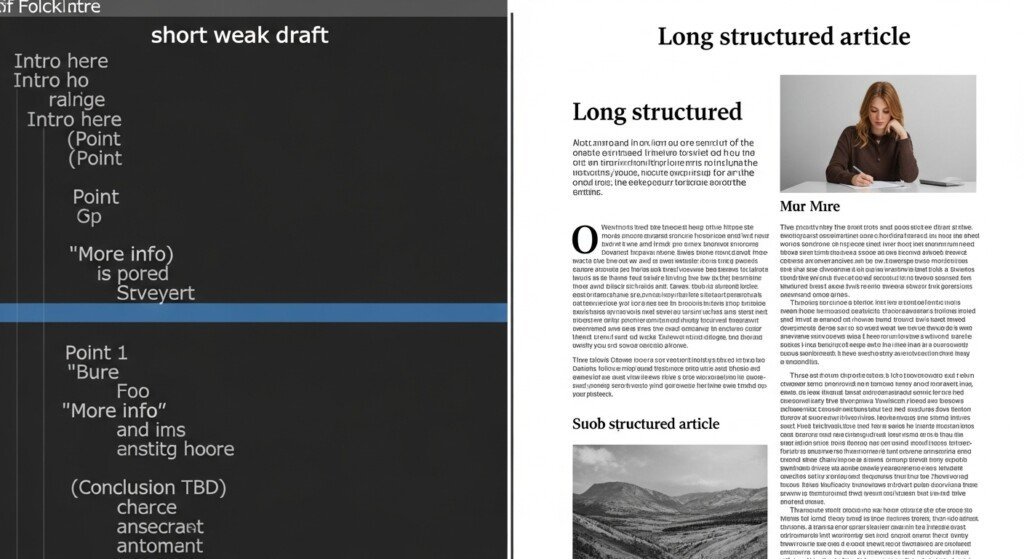
Free vs Paid: Output Quality Comparison
Free tools:
• Shallow drafts
• Repetitive phrasing
• Weak structure
• Poor coherence
• No brand voice
• No expansion logic
Paid tools:
• Structured output
• Better tone
• Long-form handling
• Section coherence
• Expansion support
• Workflow features
If you write long-form content, free tools collapse.
Free vs Paid: Feature Comparison
| Feature | Free Tools | Paid Tools |
|---|---|---|
| Long-form editor | ❌ | ✅ |
| SEO templates | ❌ | ✅ |
| Brand voice | ❌ | ✅ |
| Rewriting modes | ⚠️ Limited | ✅ |
| Plagiarism checker | ❌ | ✅ |
| Workflow control | ❌ | ✅ |
| Section expansion | ❌ | ✅ |
| Export formats | ❌ | ✅ |
Free vs Paid: Scalability Reality
Free tools break at:
• 5–10 posts/month
• 1,200+ word posts
• Content clusters
• Affiliate content
• Bulk updates
Paid tools are built for:
• Repeated output
• Long-form
• Volume
• Content velocity
Scalability is not optional.

Who Should Stay Free
Stay free if:
• You publish 1–3 posts/month
• You don’t monetize
• You’re testing blogging
• You only need short content
• You don’t care about tone
Free tools are fine for:
• Learning
• Experimenting
• Drafting ideas
They are not production tools.
If you want to see which platforms are still usable without paying, start with my breakdown of the best free AI writing tools for bloggers.
Who Should Pay
Pay if:
• You publish consistently
• You build clusters
• You monetize content
• You care about output quality
• You write long-form
• You want scale
Paid tools are infrastructure.
Not luxuries.
The Real Value Equation
If a paid tool costs $49/month and saves:
• 20 hours writing
• 10 hours rewriting
• 10 hours editing
That’s 40 hours reclaimed.
Even at $10/hour:
That’s $400 in time saved.
The math is not complicated.
If you’re still unsure whether paying makes sense, this breakdown of are AI writing tools worth it explains ROI in real numbers.
Final Verdict
Free AI writing tools are demos.
Paid AI writing tools are production engines.
If you publish occasionally:
Stay free.
If you publish seriously:
Pay.
The only mistake is staying free too long.
If you want a deeper breakdown of free platforms, see my guide on the best free AI writing tools.
If you’re budget-constrained, compare my list of cheap AI writing tools that actually work.

Bottom Line
Free tools are for testing.
Paid tools are for building.
Choose accordingly.
FAQ
1: What is the main difference between free vs paid AI writing tools?
The main difference between free vs paid AI writing tools is scalability. Free tools are limited by word caps, weak long-form handling, and missing features, while paid tools support structured workflows, longer content, consistent tone, and higher output volume needed for serious blogging.
2: Are free AI writing tools good enough for blogging?
Free AI writing tools are suitable for testing, learning, and short content. They are not reliable for long-form blog posts, SEO content, or monetized blogs because of strict usage limits, lower output quality, and lack of advanced features.
3: When should a blogger upgrade to paid AI writing tools?
A blogger should upgrade to paid AI writing tools when publishing consistently, writing 1,500+ word posts, building content clusters, or monetizing through SEO or affiliate content. Paid tools become necessary once free limits slow down production.
4: Do paid AI writing tools always produce better content than free tools?
Paid AI writing tools generally produce more coherent, structured, and scalable content, especially for long-form writing. However, content quality still depends on proper editing, search intent alignment, and human oversight, not just the tool itself.
5: Can I use free and paid AI writing tools together?
Yes. Many bloggers use a hybrid setup—free tools for brainstorming or light drafting, and paid tools for long-form writing, rewriting, and polishing. This approach helps reduce costs while maintaining content quality and scalability.
Disclaimer
Some links on this page may be affiliate links.
If you click and purchase, I may earn a small commission at no extra cost to you.
I only recommend tools I genuinely use or believe are useful for bloggers.
This helps support the site and keep content free.